
The DigiWallet App now provides users to be able to reset their PIN if they have been barred or have simply forgotten their PIN.
Below are the steps to reset PIN:
Step 1: Ensure DigiWallet App is updated with the latest version, this is done by visiting your App Store or Play store.
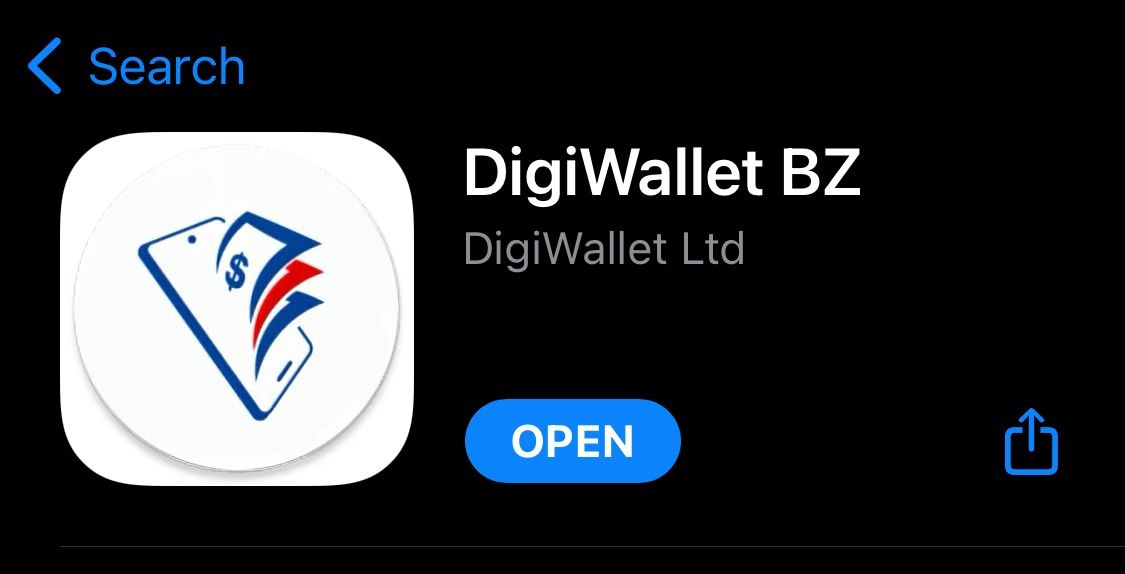
Note: Older versions of the DigiWallet App do not support PIN reset
Step 2: Login to DigiWallet app and select "Forgot your PIN?" option.
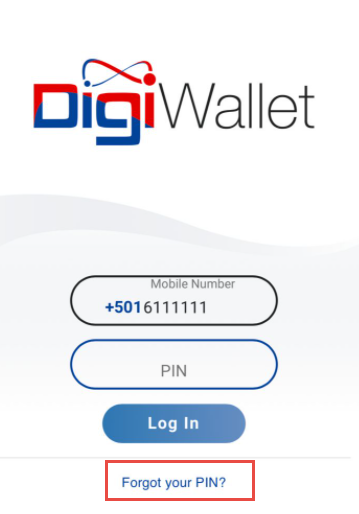
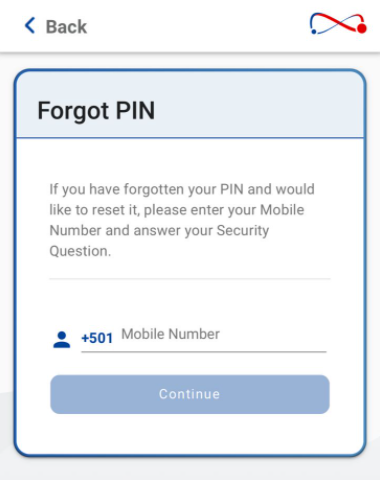
Step 3: User will be prompted to enter their registered Mobile Number.
Step 4: Users must then provide the ID Number and the response to their Security Question selected at registration.
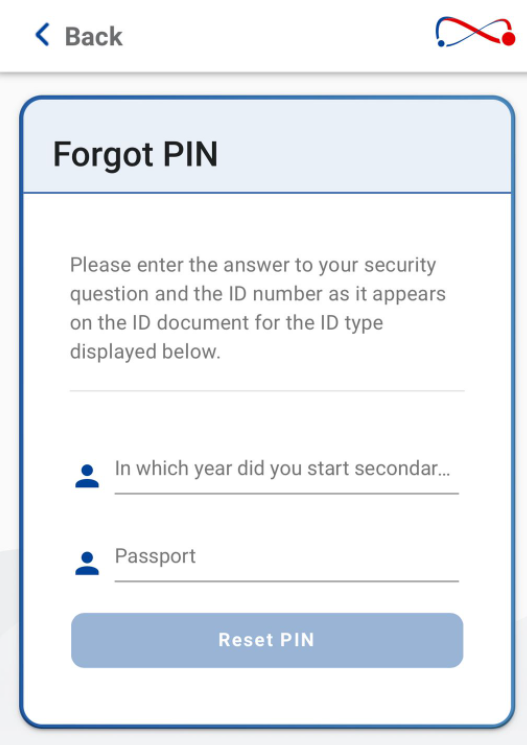
Note: Users will be prompted with the ID type used (Passport or Social Security Card) and the security question.
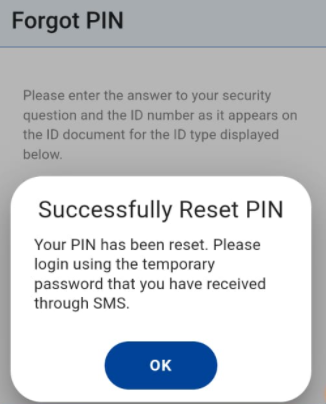
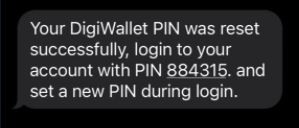
Step 5: Given that all the responses have been submitted accurately , the user will receive a successful PIN reset message and a "One Time Pin" (OTP) that will be sent via SMS to their Mobile Number.
E.g. Successful Reset Message
E.g.SMS
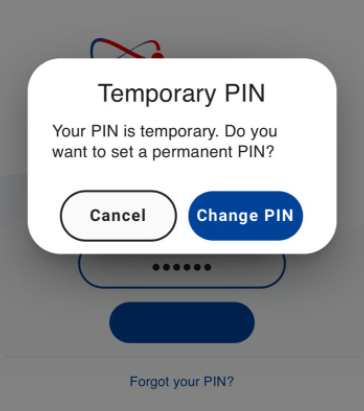
Step 6: Lastly, users will log into their account with Temporary PIN and change their PIN when prompted.
PIN Change
Successful PIN Change
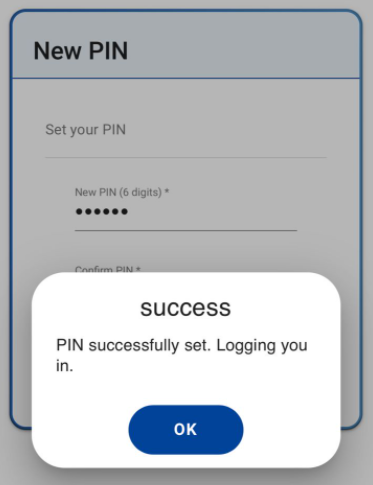
Note: PIN must be Six (6) Digits and should not be any previous PIN used before.
Comments
0 comments
Please sign in to leave a comment.